What do I need to offer Apple Wallet and Google Wallet?
Publish the card with a valid logo and activate a trial or plan. In Share & QR → Link & QR, check Wallet availability: Apple and Google are checked separately. D Card manages the issuers; your business does not need its own developer accounts.
What if a wallet is unavailable?
Check its status in Share & QR. Complete any missing logo or publishing step in Design cards. If the issuer needs review, email support@m8apps.com; D Card checks its configuration. Customers can still check balances on the web card in the meantime.
Do customers need to install D Card?
No. They enroll and open their card in a mobile browser. Saving to Wallet requires an active card, an available wallet and the compatible Apple Wallet or Google Wallet app on their phone. Customers confirm saving using the corresponding button.
Does the preview look identical in both wallets?
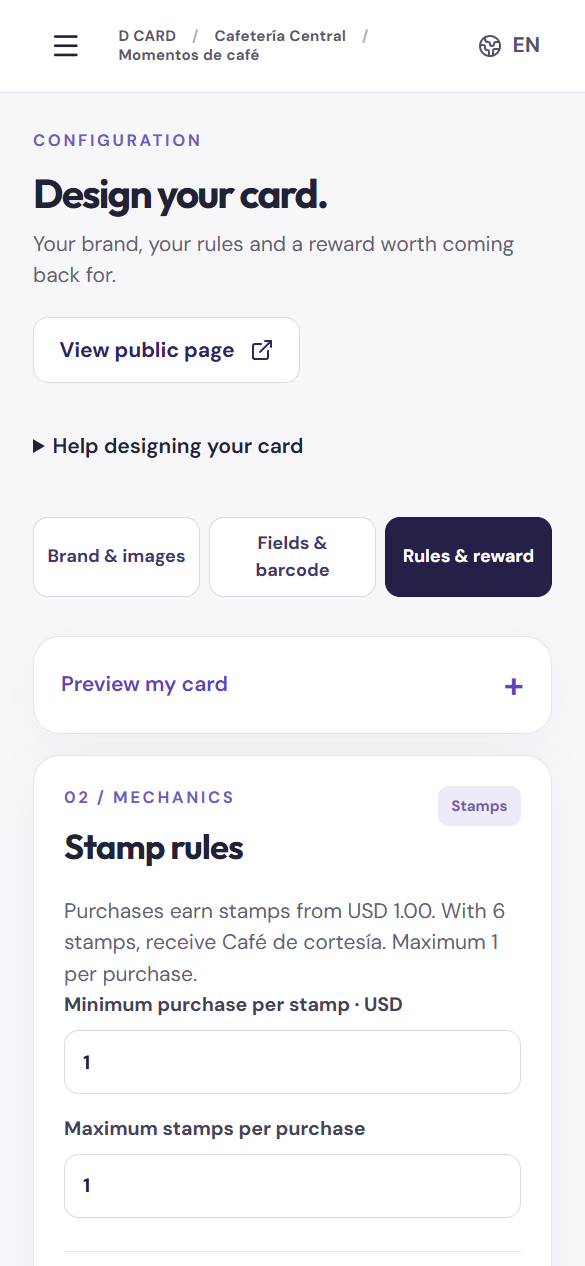
Each wallet arranges its fields differently. The editor provides Apple and Google views; also review the saved pass on a phone.
Is there a charge per customer saving a card?
The plan includes 2,000 active customers. Extra capacity is available in packs; see pricing and the definition of an active customer below.
Do campaigns create Wallet push notifications?
D Card campaigns appear on the web card. They are not Apple Wallet or Google Wallet push notifications.
 M8 APPS